One of my clients got bombarded with calls from Google Ads reps last year.
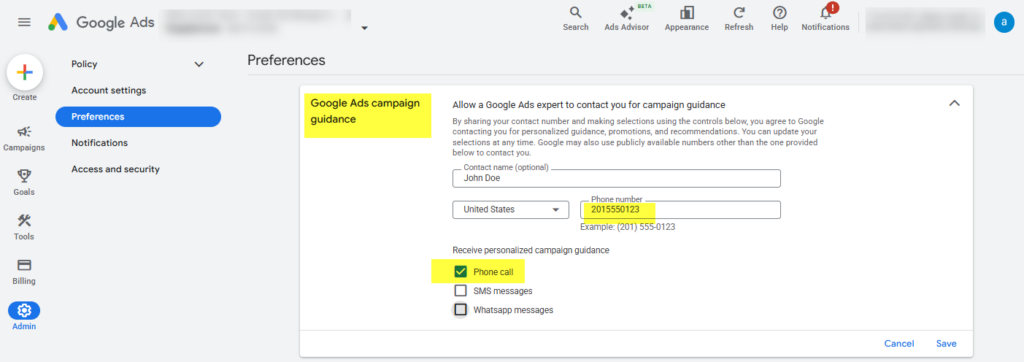
It turned out he had added his real name and phone number to the contact information in the ‘Google Ads campaign guidance’ setting.
Here’s what did the trick for us to stop new Google Ads reps from calling him: replace the account’s contact phone number with a number that is 100% automatically redirected to voicemail.
Head over to Admin > Preferences > ‘Google Ads campaign guidance’ and do the same to keep sane.
– Nils